Signing in
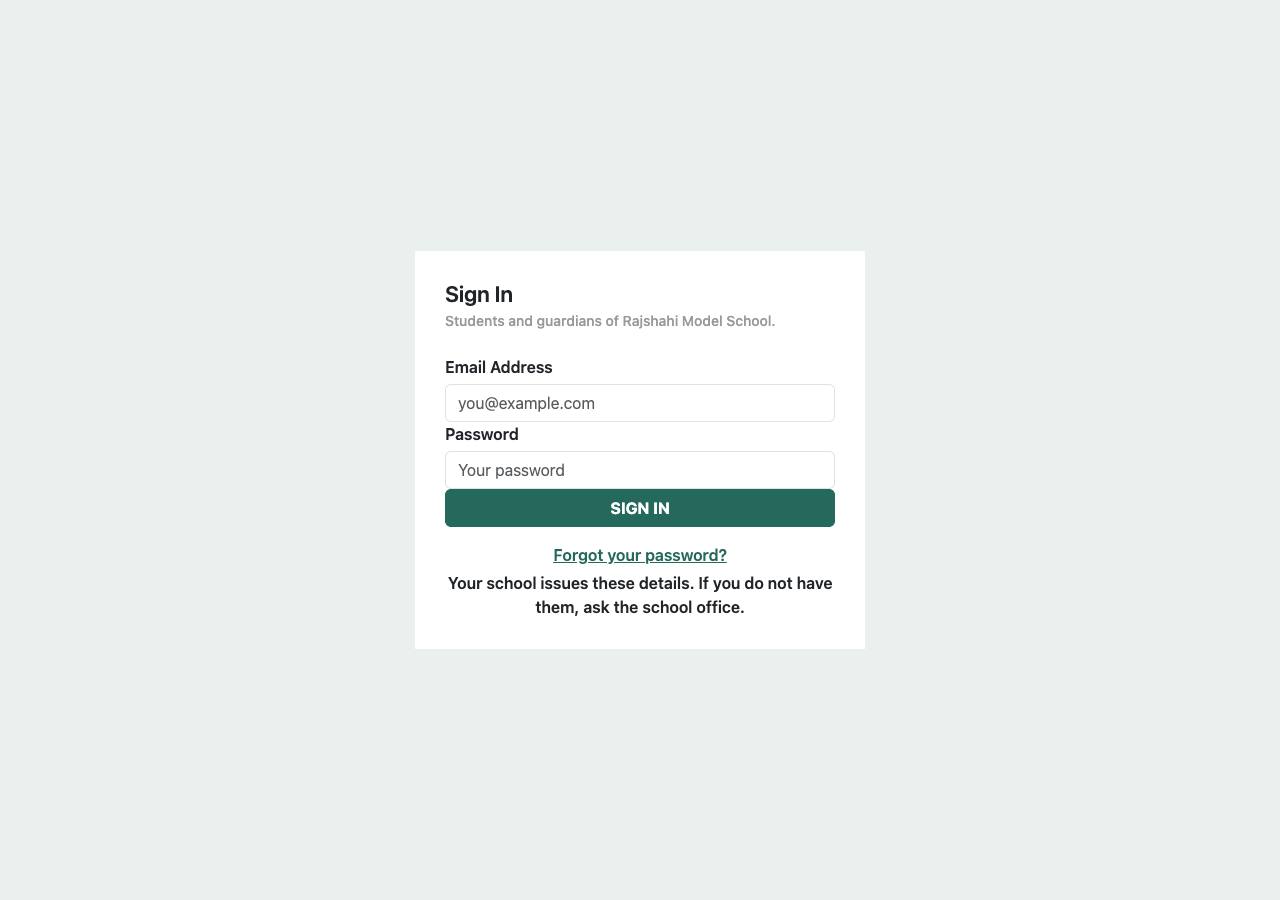
Open your school’s address followed by /portal — for example agarpurschool-edu.dimikcampus.com/portal — and sign in with the email and password the school gave you. The first time, you will be asked to choose your own password.
You stay signed in on your own phone or computer until you press Sign out. On a shared computer, always sign out.